How to Scrape TikTok Posts and Video Metrics with Python

Senior Web Scraping Engineer
TL;DR:
- A TikTok video scraper starts with a known public account. Resolve the username with
scraper.tiktok.user.detail, then pass itssec_uidtoscraper.tiktok.user.work. - The posts response is a bounded sample. The documented request accepts
cursorandcount, but one response should not be described as a creator's complete post history. - Public post metrics need context. Store the collection time beside play, like, comment, share, collect, and repost counts because those values can change.
- Photo posts and optional fields need tolerant parsing. A valid item may have blank media or subtitle fields, and the post type should come from the returned record rather than an assumption.
- Stable exports keep identifiers as strings. Preserve raw JSON and write a normalized CSV for analysis.
- Free to start. New Scrapeless accounts include free credit; create an account in the Scrapeless Dashboard.
Introduction: a post list is a time-stamped sample
A creator's public feed mixes identifiers, captions, media metadata, hashtags, music, and cumulative engagement counts. Turning that feed into a useful table requires two API calls and a small amount of careful normalization.
This guide builds a TikTok video scraper for a known account. It resolves the account's sec_uid, requests a bounded set of public posts, and writes one CSV row per item. The workflow does not label the first response as a complete archive, and it does not treat public play counts as unique reach.
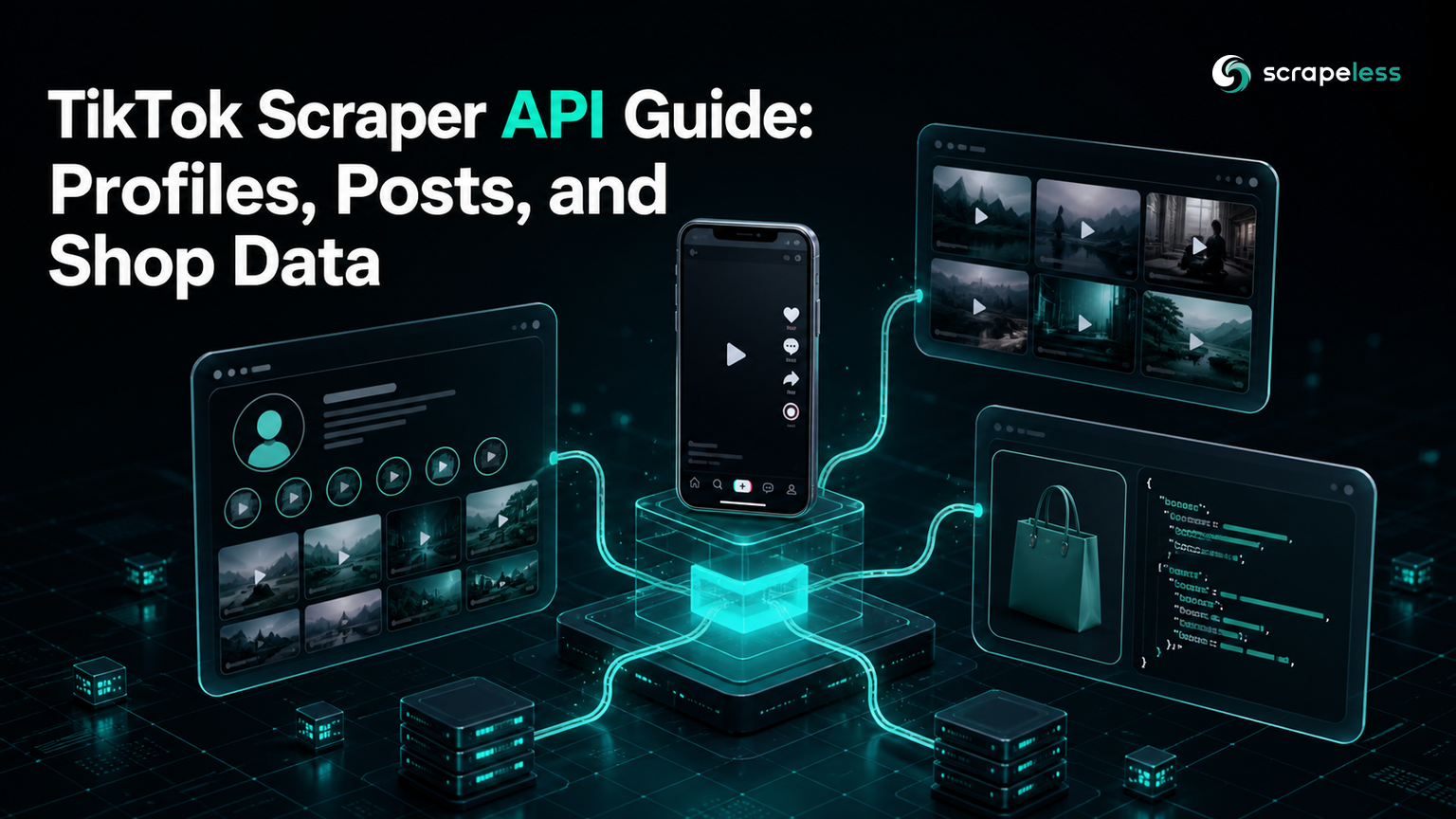
For a map of the available profile, post, and Shop actors, read the TikTok Scraper API guide.
What You Can Collect From a Known Account
The scraper.tiktok.user.work actor returns an items array for a supplied sec_uid. A post item can contain its ID and URL, description, sticker text, creation time, public engagement counts, media details, hashtags, language, pinned and ad flags, music, subtitles, permissions, and profile context.
That shape supports several practical outputs:
- A post inventory for a selected public account
- A table of descriptions, hashtags, dates, and post URLs
- A point-in-time engagement snapshot
- A review queue for pinned, promotional, or ecommerce-related posts
- A clean input table for later content classification
The actor does not document comment text, audience demographics, follower lists, unique viewers, conversions, or revenue attribution. Those fields should not appear in the normalized output as inferred substitutes.
Why Use a TikTok Scraper API
A managed actor returns structured JSON from a stable HTTP request. The caller works with named fields instead of maintaining selectors for a rendered page, handling media-specific layouts, or translating every visual change into parser updates.
The request still needs a clear scope. A TikTok posts scraper should begin with an account selected by the user, record when the sample was collected, and retain enough source context to audit each row. The HTTP exchange follows the semantics defined by RFC 9110, while Python's JSON documentation describes the serialization used below.
Prerequisites
- A Scrapeless account and API token from the Scrapeless Dashboard
- Python 3 with its standard library
- The public username of the account to inspect
- A permitted purpose, a defined sample size, and a retention policy
- A live API token for the code blocks below; export it as
SCRAPELESS_API_KEY
The examples are marked as a prerequisite gap because no API token is embedded in this article. They are complete request paths, but readers must supply their own credential and target username.
How the TikTok Posts Scraper Works
The workflow uses one endpoint and two actors:
POST https://api.scrapeless.com/api/v1/scraper/request
- Send
unique_idtoscraper.tiktok.user.detail. - Read
sec_uidfrom the profile response. - Send that value to
scraper.tiktok.user.workwith a boundedcount. - Normalize the returned
itemswithout inventing missing fields.
TikTok's official developer documentation also separates account-authorized video listing into a dedicated video-list operation, which is a useful reminder that identity resolution and content retrieval are distinct steps. See TikTok's List Videos documentation for that first-party interface.
Request Parameters
The profile actor requires unique_id, written without the leading @. Its response can include account_id, unique_id, and sec_uid along with public profile fields and statistics.
The posts actor requires sec_uid. It also accepts cursor as a string and count as a positive integer. The documented defaults are "0" and 35. The documentation confirms the cursor input, but the displayed response does not establish a universal continuation field or a complete-history guarantee.
Quick Capture With curl
This first request resolves the account identifier needed by the posts actor.
Note: The code below requires a live Scrapeless API token in
SCRAPELESS_API_KEYand a public username selected by the reader.
bash
curl --request POST 'https://api.scrapeless.com/api/v1/scraper/request' \
  --header "x-api-token: ${SCRAPELESS_API_KEY}" \
  --header 'content-type: application/json' \
  --data '{
    "actor": "scraper.tiktok.user.detail",
    "input": {"unique_id": "tiktok"}
  }'
Copy the returned sec_uid into a scraper.tiktok.user.work request, or let the Python program perform both calls.
Response Envelope
The posts response contains an items array. Treat each element as one observed public post record. The following groups are useful when building a table:
| Group | Example fields | Normalization rule |
|---|---|---|
| Identity | post ID, post URL | Store IDs as strings and keep the source URL |
| Content | description, sticker text, hashtags, language | Preserve empty text and empty lists |
| Time | creation date | Keep the source value and add a separate collection time |
| Engagement | play, like, comment, share, collect, repost counts | Record as a snapshot, not unique reach |
| Format | media, photo or video details, subtitles | Allow blanks and inspect the returned item |
| Flags | pinned, ad, ecommerce video | Preserve booleans without assigning intent |
Start Scraping with Scrapeless
Power up your web scraping and automation workflow with Scrapeless!
Sign up today and get $5 in free credit — no credit card required.Claim your free credit now in the Scrapeless Dashboard.
Integrating the API in Python
The program below resolves the profile, collects up to 20 items from the initial documented cursor, saves the raw response, and exports a compact metrics table. Python's CSV module documentation explains the writer used for the normalized file.
Note: The code below requires a live Scrapeless API token in
SCRAPELESS_API_KEY; the request portion could not be executed without that external credential.
python
import csv
import json
import os
from datetime import datetime, timezone
from urllib.request import Request, urlopen

ENDPOINT = "https://api.scrapeless.com/api/v1/scraper/request"
TOKEN = os.environ["SCRAPELESS_API_KEY"]
USERNAME = os.environ.get("TIKTOK_USERNAME", "tiktok").lstrip("@")


def run_actor(actor, actor_input):
    payload = json.dumps({"actor": actor, "input": actor_input}).encode()
    request = Request(
        ENDPOINT,
        data=payload,
        headers={
            "x-api-token": TOKEN,
            "content-type": "application/json",
        },
        method="POST",
    )
    with urlopen(request, timeout=60) as response:
        return json.load(response)


profile = run_actor(
    "scraper.tiktok.user.detail",
    {"unique_id": USERNAME},
)

posts = run_actor(
    "scraper.tiktok.user.work",
    {"sec_uid": profile["sec_uid"], "cursor": "0", "count": 20},
)

collected_at = datetime.now(timezone.utc).isoformat()
items = posts.get("items") or []

with open("tiktok-posts-raw.json", "w", encoding="utf-8") as raw_file:
    json.dump(posts, raw_file, ensure_ascii=False, indent=2)

fieldnames = [
    "collected_at",
    "account_unique_id",
    "post_id",
    "post_url",
    "description",
    "created_at",
    "play_count",
    "like_count",
    "comment_count",
    "share_count",
    "collect_count",
    "repost_count",
    "is_pinned",
    "hashtags",
]

with open("tiktok-post-metrics.csv", "w", newline="", encoding="utf-8") as csv_file:
    writer = csv.DictWriter(csv_file, fieldnames=fieldnames)
    writer.writeheader()
    for item in items:
        writer.writerow({
            "collected_at": collected_at,
            "account_unique_id": profile.get("unique_id", USERNAME),
            "post_id": str(item.get("id") or item.get("post_id") or ""),
            "post_url": item.get("url") or item.get("post_url") or "",
            "description": item.get("description") or "",
            "created_at": item.get("create_time") or item.get("date") or "",
            "play_count": item.get("play_count"),
            "like_count": item.get("like_count"),
            "comment_count": item.get("comment_count"),
            "share_count": item.get("share_count"),
            "collect_count": item.get("collect_count"),
            "repost_count": item.get("repost_count"),
            "is_pinned": item.get("is_pinned"),
            "hashtags": "|".join(
                str(tag.get("name", tag)) if isinstance(tag, dict) else str(tag)
                for tag in (item.get("hashtags") or [])
            ),
        })

print(f"Saved {len(items)} sampled post records for @{USERNAME}")
The fallback field names in the normalizer prevent one optional key from crashing the export. Compare them with the current actor response before fixing a production schema, and keep the raw JSON so the transformation can be revised later.
Interpret Photo Posts, Pinned Flags, and Blank Fields
A blank video URL does not prove that collection failed. TikTok supports content formats beyond a conventional video object, and optional media, music, or subtitle fields may be empty in a valid response. Base the format label on the returned structure and retain an unknown state when the evidence is incomplete.
A pinned flag describes placement on the profile at collection time. It does not establish when the creator pinned the post, why it was pinned, or whether it stayed pinned after the snapshot.
The same discipline applies to public metrics. A play count is a cumulative platform counter exposed with the post; it is not a count of unique people. Likes, comments, shares, collections, and reposts describe visible interactions, not campaign attribution.
Handle Cursor and Sample Scope Carefully
The documented request accepts cursor, but the available response example does not confirm a single pagination rule that can be copied into every client. Use the first response as a bounded sample unless the live response and current documentation provide a verified continuation value.
Record the request cursor, requested count, returned item count, and collection time beside the output. These four fields make the scope visible. They also prevent a dashboard from turning “20 observed posts” into “all posts” through an unlabeled total.
Common Problems to Prevent
- Passing
unique_idto the posts actor. Resolve the profile first and use itssec_uid. - Converting long IDs to numbers. Keep account and post identifiers as strings.
- Treating missing as zero. A blank optional metric or media field should remain unknown until its meaning is established.
- Calling the first response a complete history. Label it as a sample with its cursor, requested count, and collection time.
- Dropping the source URL. The post URL gives reviewers a direct route back to the observed public item.
- Mixing cumulative counts with interval growth. A single snapshot gives levels; repeated timestamped snapshots are needed for deltas.
Scrapeless packages the actor under Scraping API. Review the current pricing page before setting a production collection schedule.
Conclusion: preserve the sample before analyzing it
A reliable TikTok video scraper resolves a known account, requests a bounded post sample, and preserves the response before flattening it. The useful output is more than a metrics CSV: it includes stable string identifiers, source URLs, a collection timestamp, raw JSON, and an honest statement of scope.
Ready to Collect Public TikTok Post Metrics?
Join the Scrapeless Discord or Telegram community to compare implementation notes. Create an account in the Scrapeless Dashboard when you are ready to test the workflow.
FAQ
Q: What is a TikTok video scraper?
A TikTok video scraper collects supported public post fields and returns them in a structured form. The workflow in this guide uses a profile actor to resolve sec_uid and a posts actor to return an items sample.
Q: Can a TikTok posts scraper get every post from an account?
One actor response should not be described as every post. The request documents cursor and count, but complete coverage depends on a verified continuation rule, the account's accessible public content, and successful collection across the intended scope.
Q: Which TikTok video metrics are available?
Post items can include public play, like, comment, share, collect, and repost counts. These are point-in-time counters and do not represent unique reach, sales, or campaign attribution.
Q: How should photo posts be handled?
Photo posts should be parsed from the fields present in the returned item. Keep media fields nullable and avoid declaring a failed scrape merely because a conventional video field is empty.
Q: Does the workflow need proxies or a browser parser?
The managed actor handles its collection surface behind the API request. The caller supplies valid identifiers, limits the sample, validates the response, and stores the result responsibly.
Q: Is scraping public TikTok posts legal?
Legality depends on the jurisdiction, purpose, data, access method, and applicable terms. Collect only the public fields needed for a permitted use, minimize retention, and seek legal advice for the specific project.
At Scrapeless, we only access publicly available data while strictly complying with applicable laws, regulations, and website privacy policies. The content in this blog is for demonstration purposes only and does not involve any illegal or infringing activities. We make no guarantees and disclaim all liability for the use of information from this blog or third-party links. Before engaging in any scraping activities, consult your legal advisor and review the target website's terms of service or obtain the necessary permissions.