TikTok Video Length Analysis with Public Post Metrics

Lead Scraping Automation Engineer
TL;DR:
- TikTok video length analysis needs valid duration values. Exclude missing and zero-duration records before assigning video buckets.
- Duration buckets are analyst-defined comparison groups. They are not official performance recommendations.
- Creator and observation window belong in every comparison. Mixing unrelated accounts can hide differences in audience, topic, and posting cadence.
- Sample counts, medians, and outliers belong beside each duration result. A bucket with one breakout post needs a visible warning.
- Public post metrics do not reveal completion rate or average watch time. Duration analysis should not imply those unavailable measures.
- Free to start. New Scrapeless accounts include free credit through the Scrapeless Dashboard.
Introduction: duration is a format dimension, not a verdict
Video duration is easy to group and easy to overinterpret. A short clip and a long tutorial may serve different audience needs, and public play or engagement counts do not reveal how long viewers watched.
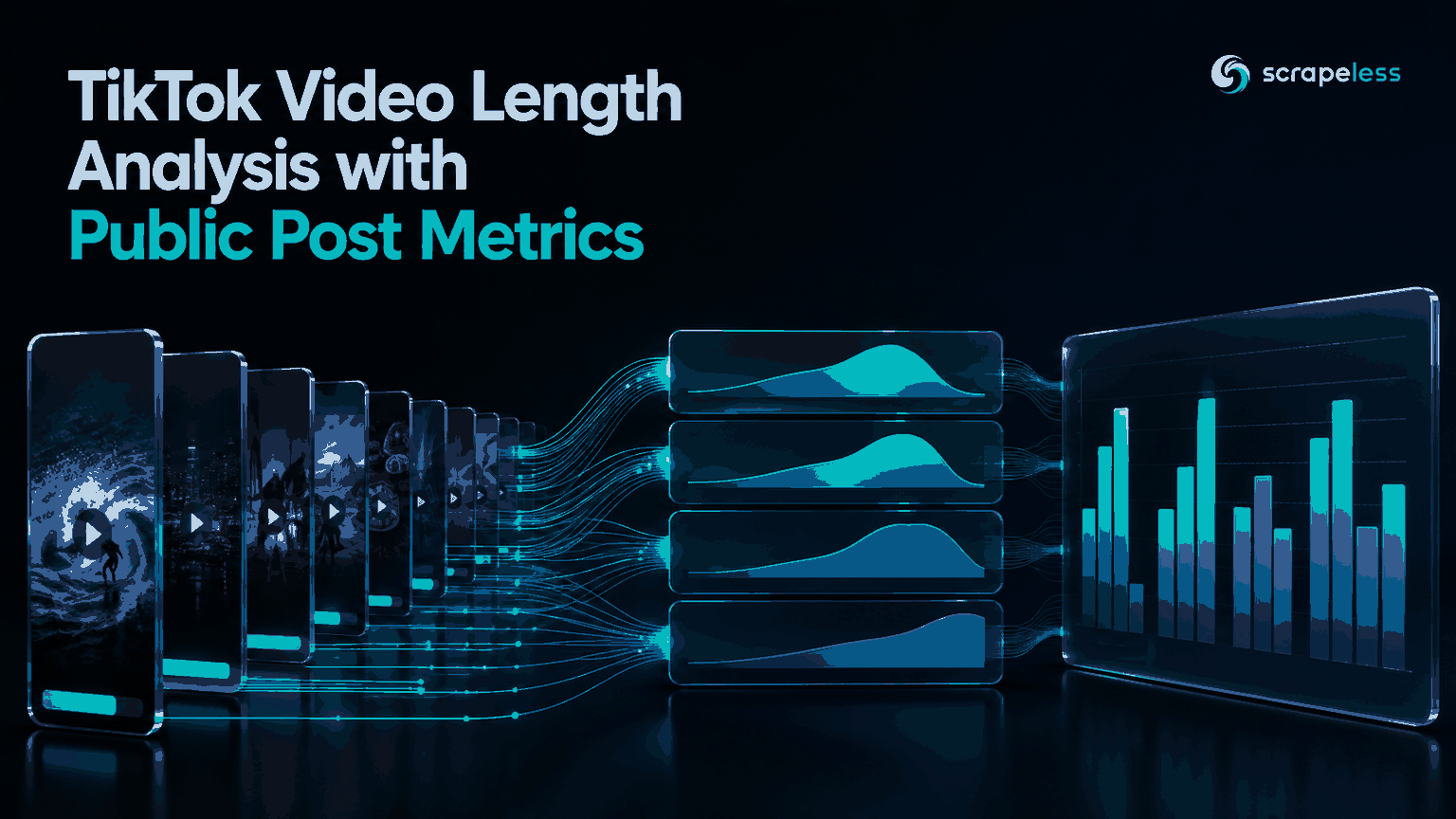
This guide builds a TikTok video length analysis from tracked creator posts. It filters unusable durations, applies project-owned buckets, compares public metrics inside matching creator and observation windows, and produces a duration-band report with sample and outlier context.
For the collection step, the Scrapeless actor guide explains how structured actor requests fit into an application.
Pipeline at a Glance
| Stage | Action | Output |
|---|---|---|
| Collect | Save posts for tracked creators | Raw post snapshots |
| Validate | Parse duration and remove unusable records | Valid-video dataset |
| Bucket | Assign explicit duration bands | Format groups |
| Compare | Calculate within-creator statistics | Duration comparison table |
| Review | Expose small samples and outliers | Decision-ready report |
The pipeline compares observed public-post outcomes. It does not calculate retention or prescribe a universal video length.
Prerequisites
- A saved response from
scraper.tiktok.user.work - Creator identity and collection time stored with the response
- Duration buckets selected before viewing performance results
- A minimum post count for any ranked comparison
- A Scrapeless API key from the Scrapeless Dashboard when collecting fresh data
The transformation block is a prerequisite gap because the reader supplies the input snapshot. It does not claim a live result.
Stage 1: Validate Duration Before Bucketing
The TikTok post actor can return video_duration in seconds. A value of 0 can occur for records that do not carry a usable video duration, so the analysis should exclude zero, missing, Boolean, and nonnumeric values from the duration table. Preserve those rows in a quality report instead of silently deleting them.
TikTok's Video Object documentation describes duration in seconds for its video fields. Its Query Videos documentation also lists duration and public interaction counts as separate fields. That separation matters: duration is observable, while watch behavior is not derived from the public counters used here.
Store an exclusion reason such as missing_duration, zero_duration, or invalid_duration. The exclusion count should appear near the final chart so readers can assess coverage.
Stage 2: Choose Buckets Before Looking at Results
Project-owned buckets keep the analysis repeatable. One practical starting scheme is:
| Band | Rule |
|---|---|
under_15s |
duration greater than zero and below 15 seconds |
15_to_59s |
15 through 59 seconds |
60_to_299s |
60 through 299 seconds |
300s_plus |
300 seconds or longer |
These boundaries are analysis settings, not a claim about an ideal format. Record the bucket version with the output so a later boundary change does not make two reports look directly comparable.
Start Scraping with Scrapeless
Power up your web scraping and automation workflow with Scrapeless!
Sign up today and get $5 in free credit — no credit card required.Claim your free credit now in the Scrapeless Dashboard.
Stage 3: Calculate Duration-Band Statistics
Use one row per valid post. Keep public counters as integers, calculate engagement rate only when plays are positive, and compare medians beside sample counts.
Note: The code below requires a reader-supplied
posts-snapshot.jsonfromscraper.tiktok.user.work. Add creator and observation-window columns before combining snapshots from multiple accounts.
python
import csv
import json
import statistics


def parse_duration(value):
    if isinstance(value, bool):
        return None
    try:
        duration = int(value)
    except (TypeError, ValueError):
        return None
    return duration if duration > 0 else None


def duration_band(seconds):
    if seconds < 15:
        return "under_15s"
    if seconds < 60:
        return "15_to_59s"
    if seconds < 300:
        return "60_to_299s"
    return "300s_plus"


def count(value):
    try:
        return int(value)
    except (TypeError, ValueError):
        return 0


with open("posts-snapshot.json", encoding="utf-8") as source:
    payload = json.load(source)

posts = (
    payload.get("items", payload.get("data", payload))
    if isinstance(payload, dict) else payload
)
groups = {}
excluded = []

for post in posts:
    duration = parse_duration(post.get("video_duration"))
    if duration is None:
        excluded.append(str(post.get("video_id") or ""))
        continue

    plays = count(post.get("play_count"))
    engagement = sum(count(post.get(field)) for field in (
        "digg_count", "comment_count", "collect_count"
    ))
    group = groups.setdefault(duration_band(duration), {
        "durations": [], "plays": [], "rates": []
    })
    group["durations"].append(duration)
    group["plays"].append(plays)
    if plays:
        group["rates"].append(engagement / plays)

rows = []
for band, values in groups.items():
    rows.append({
        "duration_band": band,
        "post_count": len(values["plays"]),
        "median_duration_seconds": statistics.median(values["durations"]),
        "median_plays": statistics.median(values["plays"]),
        "max_plays": max(values["plays"]),
        "median_engagement_rate": (
            statistics.median(values["rates"]) if values["rates"] else ""
        ),
    })

with open("duration-band-report.csv", "w", newline="", encoding="utf-8") as output:
    fields = [
        "duration_band", "post_count", "median_duration_seconds",
        "median_plays", "max_plays", "median_engagement_rate"
    ]
    writer = csv.DictWriter(output, fieldnames=fields)
    writer.writeheader()
    writer.writerows(rows)

print(f"excluded_duration_records={len(excluded)}")
The maximum-play column exposes distance between a typical post and the strongest outlier. Python's statistics documentation defines the median calculation used here.
Stage 4: Compare Within Creator and Observation Windows
A TikTok video duration engagement table should first compare buckets within the same creator and collection window. This controls some obvious differences in audience size, content category, and time coverage without pretending to control every factor.
For multi-account benchmarking, use a two-level report:
- Creator-level rows show each account's duration bands.
- Portfolio rows summarize creator-level medians and show how many creators contributed.
Do not pool every post into one table when one creator contributes most of the sample. The result would mainly describe that account's publishing mix.
Stage 5: Build the Duration Comparison Chart
The main chart can place duration bands on the horizontal axis and median plays or median engagement rate on the vertical axis. Show post count directly on each bar, and add the maximum or an outlier marker in a companion table.
A complete TikTok content format analysis should display:
- Creator or cohort name
- Observation window
- Bucket definition and version
- Valid post count by band
- Excluded duration record count
- Median plays and median engagement rate
- Maximum plays or another visible outlier indicator
Scrapeless makes structured post collection available through Scraping API. Review the current pricing page before setting creator coverage and snapshot frequency.
Handle Creator Metrics Responsibly
Keep only the public post fields required for the analysis, limit access to creator-level data, and document the reporting purpose. The NIST Privacy Framework provides general guidance for managing privacy risk and retention.
Duration bands should inform content testing. They should not produce automated judgments about a creator, and they should never be presented as completion-rate or average-watch-time analysis when those fields were not collected.
Conclusion: treat video length as one observed dimension
TikTok video length analysis is most useful when it filters invalid durations, fixes bucket rules in advance, and compares like with like. Publish sample counts, medians, exclusions, and outliers beside every result. The output can guide a new content test, but public post metrics alone cannot establish a universal duration rule.
Ready to Compare TikTok Video Formats?
Join the Scrapeless Discord or Telegram community to discuss duration-band reporting. Create an account in the Scrapeless Dashboard when the creator list is ready.
FAQ
Q: How does TikTok video length analysis work?
TikTok video length analysis groups valid post durations into defined bands and compares public metrics inside the same creator and observation context.
Q: Should zero-duration records enter the shortest bucket?
Zero-duration records should not enter the shortest bucket because zero can represent a missing or unusable video duration rather than a valid short video.
Q: Can public post metrics reveal average watch time?
Public play, like, comment, and collection counts do not reveal average watch time or completion rate in this workflow.
Q: What makes a TikTok video performance benchmark comparable?
A comparable benchmark uses consistent creator groups, observation windows, bucket rules, metric definitions, and sample thresholds.
Q: Do teams need to manage TikTok post selectors?
The TikTok post actor returns structured fields through an API response. The caller manages creator selection, snapshot timing, storage, quality checks, and analysis.
Q: Is scraping public TikTok post data legal?
Legality depends on jurisdiction, purpose, access method, applicable terms, and the data collected. Use public data for a permitted purpose and seek legal advice for the intended workflow.
At Scrapeless, we only access publicly available data while strictly complying with applicable laws, regulations, and website privacy policies. The content in this blog is for demonstration purposes only and does not involve any illegal or infringing activities. We make no guarantees and disclaim all liability for the use of information from this blog or third-party links. Before engaging in any scraping activities, consult your legal advisor and review the target website's terms of service or obtain the necessary permissions.