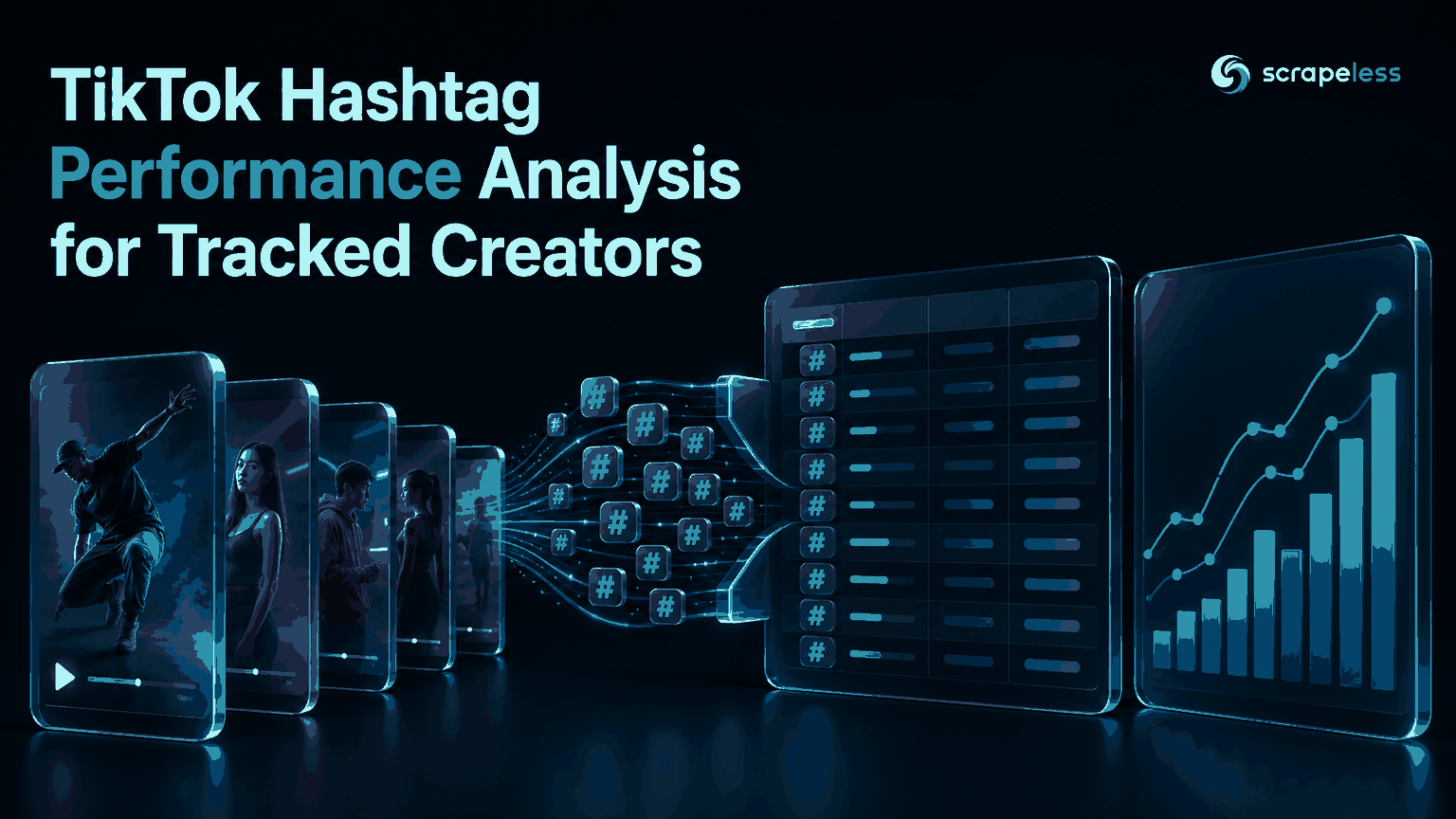
TikTok Hashtag Performance Analysis for Tracked Creators

Web Data Collection Specialist
TL;DR:
- TikTok hashtag performance analysis starts with a defined post sample. Hashtags returned with tracked posts describe that sample, not every post on TikTok.
- Hashtag strings need normalization before grouping. Remove the leading hash, apply Unicode normalization, and compare case-insensitively.
- One post can contribute to several hashtag groups. Tag-level totals overlap and should not be added together as if each post belonged to one exclusive category.
- Medians and sample counts make hashtag comparisons easier to audit. A single high-play post can distort averages and totals.
- Hashtag co-occurrence is descriptive evidence. A stronger metric for one tag does not prove that the tag caused the result.
- Free to start. New Scrapeless accounts include free credit through the Scrapeless Dashboard.
Introduction: a hashtag report is only as clear as its comparison set
TikTok posts often carry several hashtags, while their public counters describe the post as a whole. That creates an attribution problem: every tag attached to a post inherits the same play, like, comment, and collection counts.
A useful TikTok hashtag performance analysis therefore begins with a bounded set of posts from known creators and observation windows. This guide shows how to analyze hashtags in TikTok posts, normalize tag names, compare engagement within the collected sample, and publish a report that keeps overlap and uncertainty visible.
The TikTok actor guide covers the profile, post, and Shop actors used across this workflow.
Pipeline at a Glance
| Stage | Action | Output |
|---|---|---|
| Collect | Save public posts for tracked creators | Timestamped raw snapshots |
| Normalize | Clean hashtag strings and identifiers | Post-to-tag rows |
| Group | Partition by creator and observation window | Comparable tag samples |
| Measure | Calculate counts, medians, and engagement rate | Hashtag comparison table |
| Review | Mark small samples, overlap, and outliers | Analysis-ready report |
The report measures the collected posts. It is not a platform-wide TikTok trend index.
Prerequisites
- A saved JSON response from
scraper.tiktok.user.work - The creator identifier and collection time stored with each response
- A minimum-sample rule chosen before ranking tags
- A Scrapeless account and API key from the Scrapeless Dashboard when collecting new snapshots
The transformation block is a prerequisite gap because the reader supplies the saved response. It does not present an invented live result.
Stage 1: Define the Creator and Time Window
A hashtag comparison needs a stable denominator. Store the creator ID, collection timestamp, requested cursor, requested count, and returned post count beside every raw payload. If several creators are compared, retain each creator as a separate group before producing a combined view.
The TikTok developer specification lists hashtag names and public interaction counts among video-query fields in its Query Videos documentation. Scrapeless returns the analogous post fields through the TikTok post actor, including hashtags, play_count, digg_count, comment_count, and collect_count.
Do not compare one creator's full back catalog with another creator's recent posts and label the difference a hashtag effect. Use matching observation windows or make the mismatch explicit in the table.
Stage 2: Normalize Hashtags Without Losing the Source Value
The response contains hashtag strings such as #Example. Keep the raw value for review and create a separate normalized key:
- Apply Unicode NFKC normalization.
- Trim whitespace.
- Remove one leading
#. - Apply case-insensitive comparison with
casefold(). - Drop empty values within the post-to-tag table.
Python's Unicode database documentation defines the normalization operation used in the example. The normalized key prevents visually equivalent strings from splitting into separate rows, while the raw tag preserves what the source returned.
Start Scraping with Scrapeless
Power up your web scraping and automation workflow with Scrapeless!
Sign up today and get $5 in free credit — no credit card required.Claim your free credit now in the Scrapeless Dashboard.
Stage 3: Build One Row per Post-Hashtag Pair
Explode each post into one row per unique normalized hashtag. Deduplicate repeated tags within a post so one post cannot count twice for the same tag. Keep the post ID on every row because tag groups overlap.
Note: The code below requires a reader-supplied
posts-snapshot.jsonsaved fromscraper.tiktok.user.work. The file may contain either the returned post list or an object whosedatafield contains that list.
python
import csv
import json
import statistics
import unicodedata


def normalize_tag(value):
    text = unicodedata.normalize("NFKC", str(value or "")).strip()
    return text.removeprefix("#").casefold()


def number(value):
    try:
        return int(value)
    except (TypeError, ValueError):
        return 0


with open("posts-snapshot.json", encoding="utf-8") as source:
    payload = json.load(source)

posts = (
    payload.get("items", payload.get("data", payload))
    if isinstance(payload, dict) else payload
)
groups = {}

for post in posts:
    play_count = number(post.get("play_count"))
    engagements = sum(number(post.get(field)) for field in (
        "digg_count", "comment_count", "collect_count"
    ))
    engagement_rate = engagements / play_count if play_count else None
    tags = {normalize_tag(tag) for tag in (post.get("hashtags") or [])}

    for tag in sorted(tag for tag in tags if tag):
        group = groups.setdefault(tag, {
            "post_ids": set(), "plays": [], "rates": []
        })
        group["post_ids"].add(str(post.get("video_id") or ""))
        group["plays"].append(play_count)
        if engagement_rate is not None:
            group["rates"].append(engagement_rate)

rows = []
for tag, group in groups.items():
    rows.append({
        "hashtag": tag,
        "post_count": len(group["post_ids"]),
        "median_plays": statistics.median(group["plays"]),
        "median_engagement_rate": (
            statistics.median(group["rates"]) if group["rates"] else ""
        ),
    })

rows.sort(key=lambda row: (-row["post_count"], -row["median_plays"]))
with open("hashtag-performance.csv", "w", newline="", encoding="utf-8") as output:
    writer = csv.DictWriter(output, fieldnames=rows[0].keys() if rows else [
        "hashtag", "post_count", "median_plays", "median_engagement_rate"
    ])
    writer.writeheader()
    writer.writerows(rows)
The code uses zero only for missing count fields. A missing or zero play count leaves engagement rate blank because division would not produce a useful comparison.
Stage 4: Compare Hashtags Within the Same Context
A practical TikTok creator hashtag analysis table should include the creator, observation window, hashtag, post count, median plays, median engagement rate, and a small-sample flag. Python's statistics documentation defines the median used in the transformation.
Keep both median and maximum values in the analyst view. The median describes a typical sampled post, while the maximum makes a breakout post visible. Avoid ranking a tag with one observed post above a tag supported by a broader sample without a clear warning.
For a TikTok hashtag engagement comparison across creators, calculate creator-level rows first. A combined row can then summarize those creator-level results without allowing a high-volume account to dominate every tag.
Stage 5: Publish a Report That Shows Overlap
The final TikTok content hashtag report can use this structure:
| Creator | Hashtag | Posts | Median plays | Median engagement rate | Sample flag |
|---|---|---|---|---|---|
| Tracked account | normalized tag | collected posts carrying tag | post-level median | post-level median | sufficient or review |
Add a note stating that posts may appear in more than one hashtag row. Totals across hashtag rows are therefore non-additive. If a post contains three tags, its metrics describe the post and appear in three descriptive groups; the data cannot isolate which tag influenced distribution.
Scrapeless exposes the TikTok actors through Scraping API. Check the current pricing page before choosing creator coverage and collection frequency.
Handle Creator Data Responsibly
Collect public fields that are necessary for the stated analysis, retain creator identifiers only as long as the reporting purpose requires, and restrict access to raw payloads. The NIST Privacy Framework provides a general structure for managing privacy risk.
Hashtag analysis should support content review, not automated judgments about an individual creator. Respect applicable terms, platform controls, and local law when collecting and using public post data.
Conclusion: keep the hashtag claim inside the sample
TikTok hashtag performance analysis becomes defensible when the report preserves its collection window, creator groups, overlapping tags, and sample sizes. Normalize the tag key, use post-level medians, show outliers, and describe the result as an association within collected posts rather than a causal or global trend claim.
Ready to Build a Hashtag Report?
Join the Scrapeless Discord or Telegram community to discuss post-to-tag schemas. Create an account in the Scrapeless Dashboard when the creator watchlist is ready.
FAQ
Q: How can a team analyze hashtags in TikTok posts?
A team can analyze hashtags in TikTok posts by saving a bounded post sample, normalizing each returned tag, expanding posts into post-to-tag rows, and comparing metrics with sample counts.
Q: Does the hashtag with the most plays cause better performance?
No. Higher plays for posts carrying a hashtag show an association in the sample and do not establish that the hashtag caused the result.
Q: Why should hashtag reports use medians?
Medians reduce the influence of one unusually large post and make the typical sampled post easier to compare.
Q: Can this workflow identify global TikTok hashtag trends?
This workflow cannot identify global TikTok hashtag trends because it analyzes hashtags attached to the collected creator posts rather than a platform-wide hashtag search.
Q: Do teams need to manage post-page selectors?
The TikTok post actor returns structured post fields through the API. The caller manages creator selection, observation windows, storage, normalization, and reporting.
Q: Is scraping public TikTok post data legal?
Legality depends on jurisdiction, purpose, access method, applicable terms, and the fields collected. Use public data for a permitted purpose and seek legal advice for the intended workflow.
At Scrapeless, we only access publicly available data while strictly complying with applicable laws, regulations, and website privacy policies. The content in this blog is for demonstration purposes only and does not involve any illegal or infringing activities. We make no guarantees and disclaim all liability for the use of information from this blog or third-party links. Before engaging in any scraping activities, consult your legal advisor and review the target website's terms of service or obtain the necessary permissions.