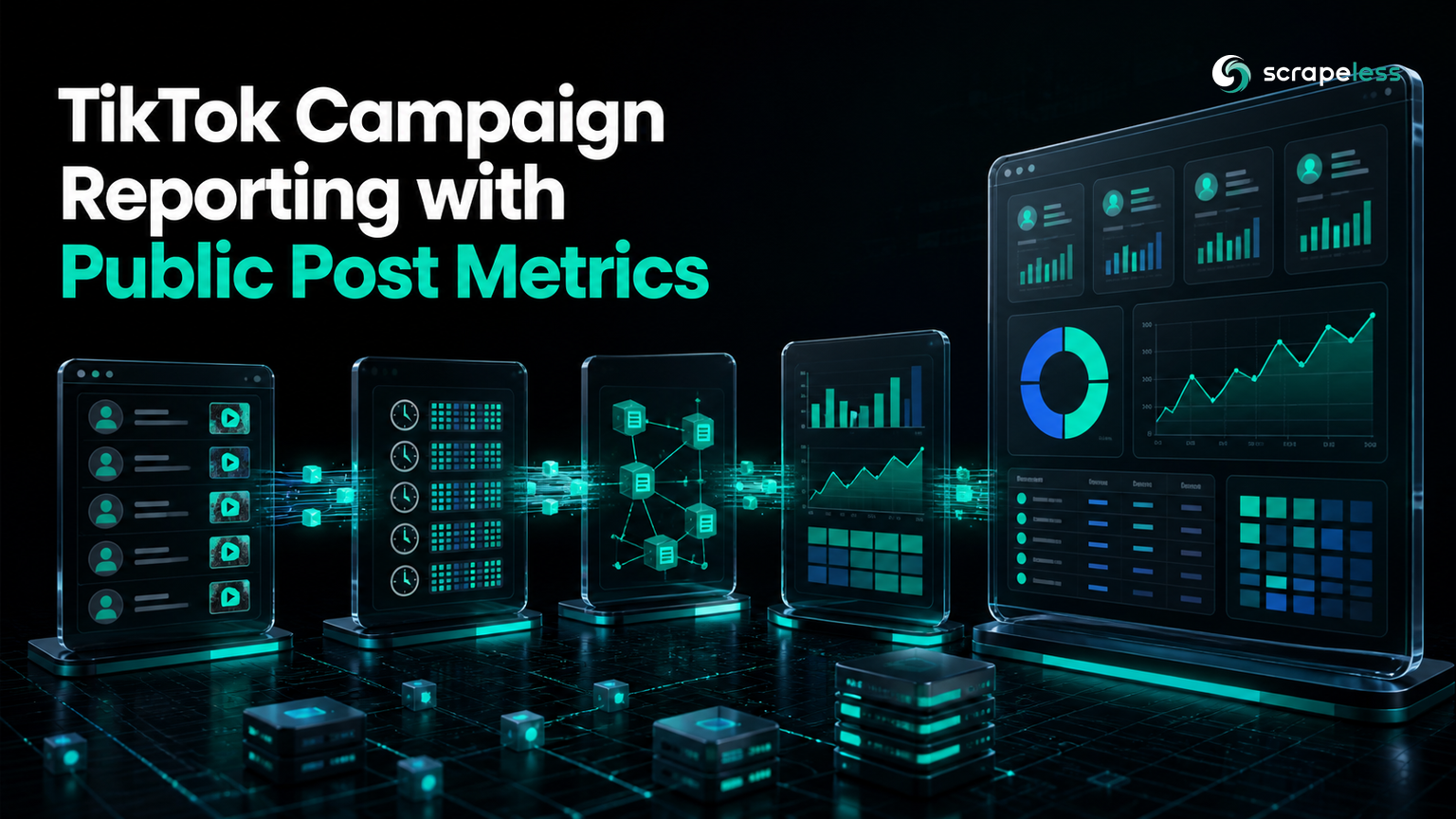
TikTok Campaign Reporting with Public Post Metrics

Lead Scraping Automation Engineer
TL;DR:
- TikTok campaign reporting starts with a user-defined roster. List the campaign accounts and post IDs before matching any collected records.
- A campaign post must exist in the collected sample. Keep unmatched roster entries visible instead of converting missing posts into zero performance.
- Timestamped snapshots turn cumulative counters into deltas. Subtract a post's earlier observed value from its later observed value only when both records share the same post ID and metric.
- Public engagement is not attribution. Play, like, comment, share, collect, and repost counts do not prove unique reach, sales, or ROI.
- Distributions show campaign shape. Report medians, ranges, and top-post share alongside totals.
- Free to start. New Scrapeless accounts include free credit; create an account in the Scrapeless Dashboard.
Introduction: campaign membership must be explicit
Public post metrics answer a narrow question: what counters were visible for a known post at a recorded time? They do not identify who saw the post, who bought a product, or which interaction caused a conversion.
This guide builds TikTok campaign reporting around that boundary. A user supplies the participating accounts and post IDs, the pipeline matches those IDs against collected public post samples, and repeated snapshots produce metric deltas. The final report separates matched posts, unmatched roster entries, cumulative values, and interval changes.
For the account-resolution step that precedes post collection, see the TikTok profile scraper guide.
Pipeline at a Glance
A public-post campaign report has six stages:
- Define the campaign roster and reporting boundaries.
- Resolve each listed public account to
sec_uid. - Collect a bounded post sample for each account.
- Match collected items to the supplied campaign post IDs.
- Save timestamped metric snapshots and compute comparable deltas.
- Summarize matched coverage, distributions, and notable posts.
The roster defines attribution membership for this report. The scraper does not discover which posts belong to the campaign, and a mention or hashtag alone should not add a post unless the reporting rules say so.
Prerequisites
- A Scrapeless account and API token from the Scrapeless Dashboard
- A campaign roster containing account usernames and exact post IDs
- A fixed collection policy and at least two timestamped observations for deltas
- A live token exported as
SCRAPELESS_API_KEYfor the code below
The example has a prerequisite gap because it depends on the reader's API credential, campaign roster, and live public posts. No sample output is presented as a real campaign result.
Stage 1: Build the Campaign Roster
The roster is the control table for the report. Each row should contain a campaign ID, public username, post ID, expected post URL when known, planned publish date if supplied by the campaign team, and a human-readable label.
| campaign_id | username | post_id | asset_label |
|---|---|---|---|
| autumn_launch | creator_a |
1234567890123456789 |
Product demo |
| autumn_launch | creator_b |
2345678901234567890 |
Tutorial |
Keep post IDs as strings. Large identifiers can lose precision when spreadsheet or analytics tools coerce them into numbers.
The roster should also distinguish required and optional posts. A required post that does not appear in the collected sample needs an unmatched status and a review note; its metrics are unknown, not zero.
Stage 2: Collect Public Posts for Listed Accounts
The collection path uses scraper.tiktok.user.detail to resolve unique_id into sec_uid, followed by scraper.tiktok.user.work to request public posts. The posts request supports cursor and count, and its response contains an items array.
Use the same requested count for comparable accounts, but report the returned count for each. The available documentation confirms the cursor input without establishing a universal complete-history loop. If a campaign post lies outside the collected sample, mark it unmatched and expand collection only through a continuation rule verified in the current response and documentation.
Each collection run needs its own UTC timestamp. Store the raw actor response under that run so post-level metrics can be reconstructed if the report logic changes.
Start Scraping with Scrapeless
Power up your web scraping and automation workflow with Scrapeless!
Sign up today and get $5 in free credit — no credit card required.Claim your free credit now in the Scrapeless Dashboard.
Stage 3: Match Posts Without Hiding Gaps
Match on the exact string post ID whenever possible. URLs can help reviewers, but URL parsing should not replace a stable identifier when both are available.
The match table should preserve every roster row:
| status | meaning | report treatment |
|---|---|---|
matched |
The exact post ID appears in the collected items | Save a timestamped snapshot |
unmatched |
The post ID is in the roster but absent from the sample | Show as missing coverage, not zero |
unexpected |
A collected post is not in the campaign roster | Keep outside campaign totals |
duplicate |
The same post ID appears more than once in input or storage | Resolve before aggregation |
This reconciliation step is the audit trail between campaign operations and public data collection. It prevents a dashboard from silently dropping a required post or adding an unrelated one because it used a similar hashtag.
Stage 4: Store Timestamped Metric Snapshots
A snapshot row should include campaign ID, post ID, account, post URL, collection time, creation time, and each public counter present in the response. Store missing fields as null rather than zero.
SQLite works well for a compact local history because a composite key can prevent duplicate observations. The SQLite CREATE TABLE documentation describes primary-key and table constraints that can enforce one row per post and collection time.
sql
CREATE TABLE IF NOT EXISTS campaign_post_snapshots (
    campaign_id TEXT NOT NULL,
    post_id TEXT NOT NULL,
    collected_at TEXT NOT NULL,
    account TEXT NOT NULL,
    post_url TEXT,
    play_count INTEGER,
    like_count INTEGER,
    comment_count INTEGER,
    share_count INTEGER,
    collect_count INTEGER,
    repost_count INTEGER,
    PRIMARY KEY (campaign_id, post_id, collected_at)
);
This local schema has no external prerequisite and can be tested before an API credential is available. The collection code below creates the same table and inserts matched records.
Stage 5: Compute Deltas and Performance Distribution
A metric delta is the later observed value minus the earlier observed value for the same post and field. Compute it only when both values are present. If a platform correction or field reset produces a negative result, retain it for review rather than rewriting it to zero.
Use a shared pair of snapshot times when comparing posts. A post observed for 72 hours should not be ranked directly against one observed for 6 hours without an explicit age or interval label.
Campaign summaries benefit from several views:
- Matched posts divided by roster posts
- Latest cumulative metric totals
- Per-post deltas over a common snapshot interval
- Median and range for each metric
- Top-post share of total observed plays or interactions
- Count of null metrics and unmatched roster entries
Python's statistics module documentation defines median calculations. A distribution view helps show whether performance is broad or concentrated, but it remains a description of public counters.
TikTok Ads Manager provides a separate first-party environment for paid campaign reporting. Its campaign performance guidance should not be conflated with this public-post workflow: the data sources, access, and available metrics differ.
Stage 6: Assemble the Reporting Pipeline in Python
The following script reads a roster CSV, collects a bounded initial sample for each listed account, reconciles exact post IDs, inserts matched snapshots into SQLite, and writes a coverage file for review.
Note: The code below requires a live Scrapeless API token in
SCRAPELESS_API_KEY, a reader-suppliedcampaign-roster.csv, and public campaign posts that appear in the collected samples.
python
import csv
import json
import os
import sqlite3
from datetime import datetime, timezone
from urllib.request import Request, urlopen

ENDPOINT = "https://api.scrapeless.com/api/v1/scraper/request"
TOKEN = os.environ["SCRAPELESS_API_KEY"]
REQUESTED_COUNT = 35


def run_actor(actor, actor_input):
    data = json.dumps({"actor": actor, "input": actor_input}).encode()
    request = Request(
        ENDPOINT,
        data=data,
        headers={"x-api-token": TOKEN, "content-type": "application/json"},
        method="POST",
    )
    with urlopen(request, timeout=60) as response:
        return json.load(response)


with open("campaign-roster.csv", newline="", encoding="utf-8") as roster_file:
    roster = list(csv.DictReader(roster_file))

for row in roster:
    row["username"] = row["username"].lstrip("@")
    row["post_id"] = str(row["post_id"])

collected_at = datetime.now(timezone.utc).isoformat()
items_by_account = {}

for username in sorted({row["username"] for row in roster}):
    profile = run_actor("scraper.tiktok.user.detail", {"unique_id": username})
    response = run_actor(
        "scraper.tiktok.user.work",
        {"sec_uid": profile["sec_uid"], "cursor": "0", "count": REQUESTED_COUNT},
    )
    with open(f"{username}-{collected_at[:10]}-raw.json", "w", encoding="utf-8") as raw_file:
        json.dump(response, raw_file, ensure_ascii=False, indent=2)
    items_by_account[username] = {
        str(item.get("id") or item.get("post_id") or ""): item
        for item in response.get("items") or []
    }

connection = sqlite3.connect("campaign-reporting.db")
connection.execute("""
CREATE TABLE IF NOT EXISTS campaign_post_snapshots (
    campaign_id TEXT NOT NULL,
    post_id TEXT NOT NULL,
    collected_at TEXT NOT NULL,
    account TEXT NOT NULL,
    post_url TEXT,
    play_count INTEGER,
    like_count INTEGER,
    comment_count INTEGER,
    share_count INTEGER,
    collect_count INTEGER,
    repost_count INTEGER,
    PRIMARY KEY (campaign_id, post_id, collected_at)
)
""")

coverage = []
for row in roster:
    item = items_by_account.get(row["username"], {}).get(row["post_id"])
    status = "matched" if item else "unmatched"
    coverage.append({**row, "status": status, "collected_at": collected_at})
    if not item:
        continue
    connection.execute(
        """INSERT OR REPLACE INTO campaign_post_snapshots VALUES (?, ?, ?, ?, ?, ?, ?, ?, ?, ?, ?)""",
        (
            row["campaign_id"], row["post_id"], collected_at, row["username"],
            item.get("url") or item.get("post_url"), item.get("play_count"),
            item.get("like_count"), item.get("comment_count"), item.get("share_count"),
            item.get("collect_count"), item.get("repost_count"),
        ),
    )

connection.commit()
connection.close()

with open("campaign-coverage.csv", "w", newline="", encoding="utf-8") as output:
    writer = csv.DictWriter(output, fieldnames=coverage[0].keys())
    writer.writeheader()
    writer.writerows(coverage)
Run the same collection at the next planned observation time, then join consecutive snapshot rows by campaign ID and post ID. Calculate each delta only where both metric values are non-null, and retain the two collection timestamps in the result.
Campaign Report Template
The report should separate coverage from performance:
| Section | Required fields | Interpretation boundary |
|---|---|---|
| Roster coverage | Required posts, matched posts, unmatched posts | Measures collection coverage, not campaign success |
| Snapshot timing | First and latest collection times, interval | Makes delta windows comparable |
| Latest metrics | Public counters by post | Cumulative observations, not unique people |
| Metric changes | Per-post deltas for common intervals | Change between two snapshots |
| Distribution | Median, range, top-post share | Shows concentration in matched posts |
| Review queue | Missing fields, negative deltas, unmatched IDs | Requires human investigation |
If the campaign includes paid media, affiliate sales, tracked links, or conversion events, join those first-party datasets in a clearly labeled layer. Do not substitute public engagement counts for those measures.
Handle Campaign Data Responsibly
Campaign reporting may connect public creator content with contracts, internal labels, or commercial decisions. Restrict access to the roster and internal annotations, minimize retained personal data, and define who can correct an attribution error.
For influencer programs, the FTC's disclosure guidance is a useful primary reference for disclosure responsibilities in the United States. It does not replace legal advice or the rules that apply in another jurisdiction.
Scrapeless provides the profile and posts actors through Scraping API. Review the current pricing page before choosing account counts and snapshot frequency.
Conclusion: report what the snapshots prove
TikTok campaign reporting needs an explicit roster, exact post-ID matching, timestamped observations, and visible coverage gaps. Those controls turn public counters into an auditable record of matched posts and metric changes while keeping reach, sales, and attribution claims in their proper data sources.
Ready to Build a Campaign Metrics Report?
Join the Scrapeless Discord or Telegram community to compare data-modeling patterns. Create an account in the Scrapeless Dashboard when the campaign roster is ready.
FAQ
Q: What is TikTok campaign reporting with public post metrics?
TikTok campaign reporting with public post metrics tracks visible counters for a user-defined set of campaign posts at recorded times. It measures those observations and their changes, not unique reach, sales, or causal attribution.
Q: How does the workflow decide which posts belong to a campaign?
The user-supplied roster decides campaign membership. The pipeline matches exact post IDs and keeps missing or unexpected posts outside the performance totals until reviewed.
Q: What is the difference between a metric snapshot and a delta?
A snapshot is a cumulative public counter observed at one time. A delta is the difference between two valid snapshots for the same post, metric, and defined interval.
Q: Can play count be reported as campaign reach?
Play count should not be reported as unique campaign reach. It is a public post counter and does not establish how many distinct people saw the content.
Q: Should unmatched campaign posts receive zero metrics?
Unmatched campaign posts should receive an unmatched status and null metrics. Zero would assert an observed value that the collection did not produce.
Q: Does the workflow replace TikTok Ads Manager?
The public-post workflow does not replace TikTok Ads Manager or other first-party campaign systems. It produces a separate dataset from supported public post fields.
Q: Is public campaign data collection legal?
Legality depends on the jurisdiction, purpose, data, access method, contracts, and applicable terms. Limit collection to necessary public fields, protect internal roster data, and obtain legal advice for the specific program.
At Scrapeless, we only access publicly available data while strictly complying with applicable laws, regulations, and website privacy policies. The content in this blog is for demonstration purposes only and does not involve any illegal or infringing activities. We make no guarantees and disclaim all liability for the use of information from this blog or third-party links. Before engaging in any scraping activities, consult your legal advisor and review the target website's terms of service or obtain the necessary permissions.