403 Forbidden Error: Causes and Diagnosis for Web Scraping

Senior Cybersecurity Analyst
TL;DR:
- A 403 Forbidden error means the server understood the request and declined to fulfill it. It may represent missing permission, an application policy, an edge rule, network policy, or traffic validation.
- Do not diagnose a 403 from the status code alone. Preserve the URL, method, response headers, body shape, request identifier, timing, and—when relevant—an authorized browser screenshot.
- Separate ownership before changing anything. Site owners can inspect server and security logs; third-party clients should verify credentials, scope, terms, and official access options.
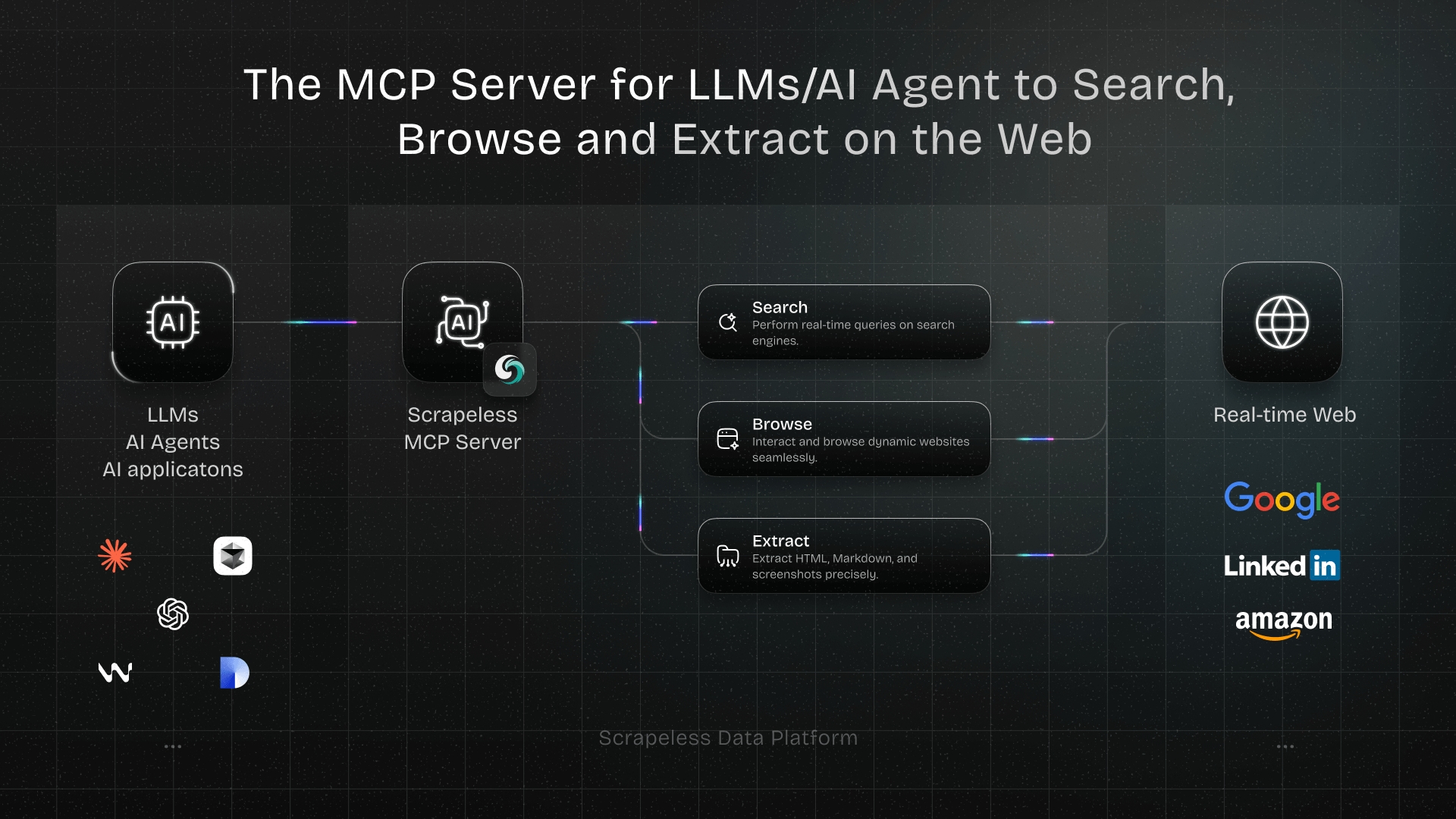
- Scrapeless Scraping Browser can help with authorized automation that requires a real browser session. It does not turn restricted or private content into permitted data.
A 403 Forbidden error is easy to recognize and easy to misdiagnose. A scraper receives the same three-digit status whether the refusal came from an application permission, a gateway rule, a corporate network, an expired session context, or traffic validation at the edge.
Effective diagnosis identifies which layer made the decision, what evidence supports that conclusion, and whether the request is authorized. This guide provides a decision tree for answering those questions safely.
What Does 403 Forbidden Mean?
The HTTP standard gives 403 a narrow meaning: the server understood the request but declined to fulfill it. The response may explain why, but it is not required to reveal the reason. See RFC 9110, Section 15.5.4 for the normative definition.
That definition rules out one common assumption. A 403 is not proof that the URL is invalid, nor is it proof that the client merely needs different headers. It is a refusal under the server's current policy and request context.
HTTP 403 vs 401 vs 404
| Status | Core meaning | First diagnostic question |
|---|---|---|
| 401 Unauthorized | Valid authentication credentials are missing | Did the request carry the expected credential and challenge flow? |
| 403 Forbidden | The request was understood and refused | Which permission or policy layer refused it? |
| 404 Not Found | No current representation was found, or its existence is not disclosed | Is the route correct, and is the service intentionally hiding it? |
RFC 9110 says a 401 response lacks valid authentication credentials and must carry an applicable authentication challenge. The same standard notes that a 404 can also be used when an origin is unwilling to disclose that a resource exists. That is why status comparison narrows the search but does not replace response evidence.
Common Causes by Ownership Side
When you own the site
Check application authorization, file and directory permissions, route policy, CDN or WAF rules, geographic restrictions, allowlists, and recent deployment changes. A single deny rule may affect one endpoint, one role, or an entire path.
Correlate the response with server-side logs. OWASP recommends that application logs capture enough context for monitoring and analysis, including “when, where, who and what”; its logging guidance is a useful checklist for building that evidence.
When you are an authorized third-party client
Confirm the exact URL, HTTP method, credential scope, account role, source network, and documented usage policy. Compare the failing call with a known-good request from the same approved account. If an official API exists, prefer its documented contract.
When automation changes the request context
An HTTP library and a browser do not present the same environment. Cookies, JavaScript execution, navigation sequence, TLS behavior, and client hints may differ. A browser requirement is still not permission: first confirm the target and data are within the authorized scope.
Start Scraping with Scrapeless
Power up your web scraping and automation workflow with Scrapeless!
Sign up today and get $5 in free credit — no credit card required.Claim your free credit now in the Scrapeless Dashboard.
A 403 Diagnostic Decision Tree
Follow this order so each step changes only one hypothesis:
- Is the URL and method correct? Compare them with current documentation or a known-good request.
- Does the response contain an authentication challenge? If so, reclassify the issue as an authentication path rather than a generic permission failure.
- Does the same approved identity have access interactively? If no, request permission or use the official interface. Do not automate around the refusal.
- Does the failure occur only from one network or environment? Review corporate proxy, VPN, firewall, CDN, and allowlist policy.
- Does the body identify the application, origin server, or edge provider? Use that clue to select the correct logs and owner.
- Does an authorized browser session behave differently from a plain client? If yes, document the browser dependency and keep session handling controlled.
- Can the site owner identify the rule from a request ID? Share the timestamp, request ID, account, route, and source environment, excluding secrets.
Stop when the evidence points to missing permission or prohibited automation. The next step is access approval or an official data path, not a more evasive client.
Reproduce the Response Safely
Use a public diagnostic endpoint so the reproduction itself does not touch private or restricted data. To diagnose 403 with curl, the following command prints response headers for a deterministic 403 response:
bash
curl -sS -o /dev/null -D - https://httpbin.org/status/403Expected evidence includes an HTTP status line containing 403. Header names vary by protocol and intermediary, so record what is present rather than assuming a specific vendor field.
Capture evidence in a compact table:
| Evidence | Why it matters | Safe handling |
|---|---|---|
| URL and method | Confirms the intended route | Remove secrets from queries |
| Status and headers | Identifies challenges, gateways, and request IDs | Redact cookies and tokens |
| Body type and title | Distinguishes JSON policy errors from branded pages | Store only what diagnosis needs |
| Timestamp and duration | Supports log correlation | Use a timezone |
| Browser screenshot | Shows consent, login, or challenge state | Capture only authorized content |
Diagnose 403 in Python
Python's standard library raises HTTPError for a 403. The exception still contains the response status and headers:
python
from urllib.error import HTTPError
from urllib.request import Request, urlopen

request = Request("https://httpbin.org/status/403", method="GET")

try:
    with urlopen(request, timeout=10) as response:
        print(response.status)
except HTTPError as response:
    print({
        "status": response.code,
        "content_type": response.headers.get("content-type"),
    })
The test prints a dictionary with status 403. For a real approved integration, log a request identifier and a redacted subset of headers instead of the complete credential-bearing request.
Diagnose 403 in JavaScript
The Fetch API returns the response normally, so inspect status, content-type, and a safely bounded body:
javascript
const response = await fetch("https://httpbin.org/status/403");

console.log({
  status: response.status,
  contentType: response.headers.get("content-type"),
});
This separates transport success from application permission. The request reached a server and received a valid HTTP response; the result still indicates refusal.
How to Read the Evidence
| Observation | Likely owner | Next safe action |
|---|---|---|
| JSON error names a role or scope | Application or API team | Correct approved role or request access |
| Branded edge page and request ID | CDN or security team | Correlate the rule and source context |
| Plain server response for one path | Web server or route config | Inspect path and permission policy |
| Works on approved network only | Network/security team | Review allowlist and routing design |
| Works only after approved login | Identity/application team | Manage an authorized session securely |
| 404 for one identity, 403 for another | Application policy | Confirm intentional resource disclosure behavior |
Evidence is probabilistic until the owner confirms the rule. A branded body may be generated by a gateway, while a custom application can imitate a generic server page.
When Automation Is the Trigger
If the request succeeds in an approved interactive browser but fails in a plain HTTP client, document what the application requires. The difference might be JavaScript-created state, a consent step, an identity-bound cookie, or browser navigation behavior.
Do not jump directly to header impersonation or network rotation. Those changes can hide the diagnostic signal and may conflict with site policy. Reproduce the authorized user journey, isolate session state by account, and retain only the minimum credentials needed for the task.
The Robots Exclusion Protocol defines crawler rules in robots.txt, but it explicitly states that those rules are not a substitute for access security. Treat robots rules, terms, authentication, and authorization as separate controls that all deserve review.
Where a Cloud Browser Fits
A cloud browser fits when the authorized workflow genuinely depends on browser rendering, interaction, cookies, or an approved session. Scrapeless Scraping Browser documentation covers the connection model for managed browser sessions.
Scrapeless can manage the browser execution layer, including session and location inputs supported by the product. Your application remains responsible for credentials, account permissions, target terms, data minimization, and stop conditions. No browser platform can guarantee that every 403 will disappear, because some 403 responses correctly enforce an access decision.
Conclusion
A 403 forbidden error is a policy decision expressed through HTTP. Diagnose it by preserving the complete response, identifying the layer that produced it, comparing approved contexts, and involving the correct owner. When the evidence says access is not granted, stop and request the right interface or permission.
For browser-dependent, authorized automation, Scrapeless Scraping Browser provides managed execution without changing the underlying access rights. Use Scrapeless pricing to size the browser workload.
Diagnose Authorized Browser Workflows
Explore Scrapeless Scraping Browser and the related guide to browser automation authentication. Join the community on Discord or Telegram.
FAQ
Q: Why does a scraper get 403 while a browser works?
The two clients may differ in authentication state, JavaScript execution, cookies, navigation sequence, network, or security policy. In scraping discussions, “403 access denied” often describes this symptom but not its cause. Confirm authorization first, then compare one difference at a time.
Q: Is 403 the same as 401?
No. A 401 indicates that valid authentication credentials are missing for the target resource. A 403 indicates that the request was understood and refused under the current context.
Q: Can changing the user agent fix every 403?
No. It may change one diagnostic variable, but it cannot grant a missing role, correct a route policy, satisfy an account restriction, or override the site's rules.
Q: Should a proxy be used when diagnosing 403?
Only when network location is an approved, documented part of the test. Do not rotate networks to evade an access decision. Record the network context and involve the site or security owner.
Q: Can Scrapeless Scraping Browser solve all 403 errors?
No. It can support authorized browser-dependent workflows, but a legitimate permission or policy refusal must be handled through access approval, configuration, or an official interface.
At Scrapeless, we only access publicly available data while strictly complying with applicable laws, regulations, and website privacy policies. The content in this blog is for demonstration purposes only and does not involve any illegal or infringing activities. We make no guarantees and disclaim all liability for the use of information from this blog or third-party links. Before engaging in any scraping activities, consult your legal advisor and review the target website's terms of service or obtain the necessary permissions.